




I’ve seen startups bleed over $135,000 a year on SaaS subscriptions they barely open because no one ever stopped to ask: do we actually need this?
Key takeaways
- The global SaaS market is on track to hit $374 billion by 2028. Yet most startups actively use less than 45% of the features they pay for each month.
- Companies that lock in a standardized tech stack during their first 12 months spend significantly less on software over three years.
- Your average early-stage startup runs on 40 to 60 different SaaS tools. Larger enterprises manage over 200 applications.
- Free tiers have gotten brutally good. What required a $2,000–$5,000 monthly budget five years ago can now be done at zero cost for your first 10 to 50 users.
- And if you’re building in Africa, payment limitations (international cards fail constantly) and pricing mismatches (tools priced for US salaries, not local burn rates) add extra layers of friction.
Let me start with something many founders wished someone had told them earlier: the SaaS tools you choose in your first 12 months will either become your startup’s greatest leverage or its quietest budget leak.
The problem I see over and over is threefold:
- Tool overload (too many apps doing overlapping jobs).
- Poor integration (data lives in twelve separate silos).
- Silent cost leakage (that $29/month tool you forgot about has been billing you for 14 months).
This guide cuts through the noise and breaks down the best tools across productivity, marketing, engineering, finance, HR, communication, analytics, and customer Support, ranked by three real criteria that matter to a founder:
- Free-tier value — what can you actually run at zero cost?
- Scalability — does the tool grow with you or force a painful migration?
- Integration depth** — does it play nice with everything else you need?
Best startup tools by category (2026)
| Category | Tool | Free tier | Best premium | Starting price |
| Productivity | Notion | Available | Notion Plus | $10/member/month |
| Marketing | HubSpot | Available | HubSpot Starter | $9/month/seat |
| Engineering | Github | Available | GitHub Team | $4/user/month |
| Finance | Ramp | Available | Ramp Plus | $15/month |
| HR | Rippling | Unavailable | Custom pricing | |
| Communication | Slack | Available | Slack Pro | $8.75/user/month |
| Analytics | Mixpanel | Available | Mixpanel Growth | Custom pricing |
| Customer support | Intercom | Unavailable | Intercom Essential | $29/seat/month |
1. Productivity and project management — Notion
Starting price: $10/member/month (Plus plan).
Free tier: Available (unlimited pages for individuals, limited blocks for teams).
Replaces 5+ tools in one workspace.
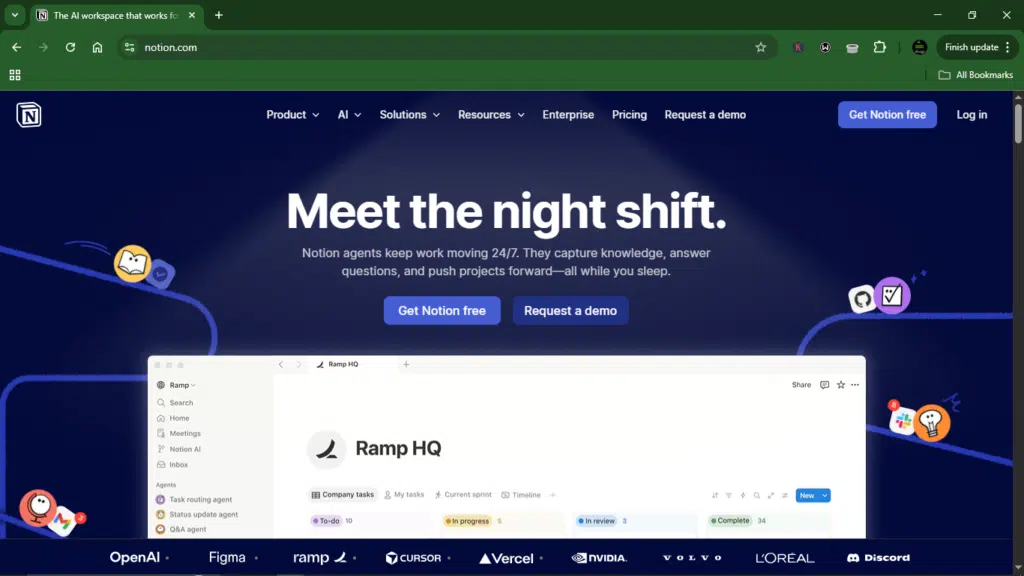
Notion turns chaotic startup folders into clean, searchable systems. Notion does all of it, so you don’t need a separate wiki, doc editor, project tracker, and database tool anymore.
What impresses me most is how non-technical founders can build custom workflows without writing a line of code. For a team of three to ten people, it’s the closest thing to a centralized brain.
How the tool can help your business
- Replace Google Docs, Trello, Asana, and Coda with one unified workspace. Less tab switching, less context loss.
- Build custom databases for hiring pipelines, content calendars, and product roadmaps in minutes.
- 50+ native integrations, including Slack, Figma, and Jira (plus Zapier for everything else).
- Templates for OKRs, meeting notes, and startup operating systems, all free and ready to duplicate.
Pros
- Free tier supports unlimited pages for personal use.
- 4 million teams use it (including Figma, Pixar, and Nike).
- Mobile and desktop apps work seamlessly offline.
Cons
- Database relations can get slow beyond 10,000+ items.
- No native offline mode for team wikis (web-only sync).
2. Marketing and CRM — HubSpot
Starting price: $9/month/seat (Starter plan)
Free tier: Available, free CRM included with no time limit.
205,000+ companies onboarded.
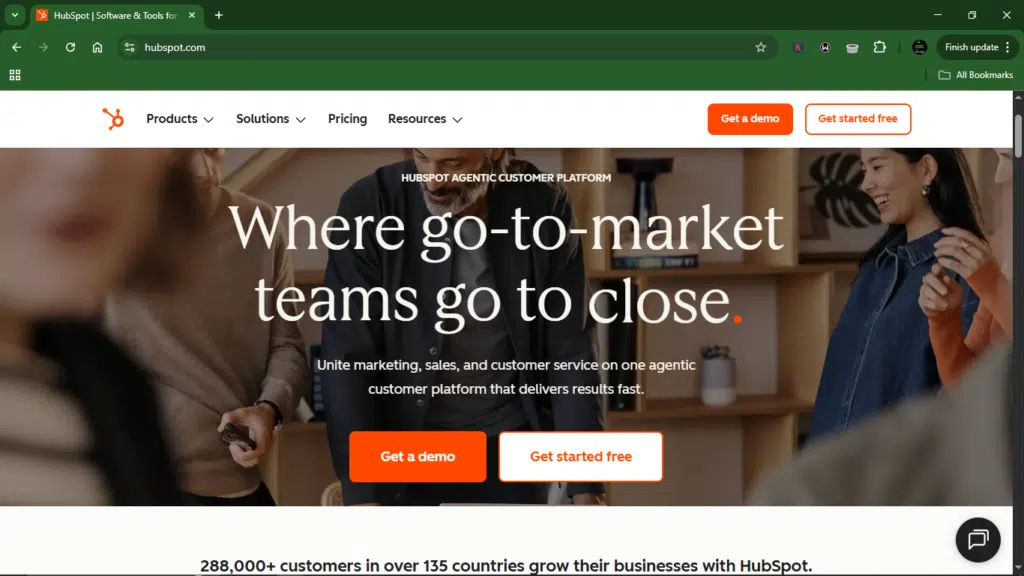
Founders usually assume there’s a catch with the HubSpot free CRM offer. Well, there isn’t.
The free tier gives you deal pipelines, contact management, and email tracking without a credit card or a 14-day countdown clock.
I’ve seen early-stage B2B startups run their entire sales process on this for 12+ months before upgrading a single seat. It’s a legitimate business foundation.
What does it offer?
- Free contact and company management with a full activity timeline for up to 1 million contacts.
- 2,000 marketing emails per month (yes, free) with basic personalization and analytics.
- Pipeline tracking with drag-and-drop deal stages, tasks, and meeting scheduling.
- Gmail and Outlook integrations that log every email automatically to the contact record.
Pros
- Scales from solo founder to 50-person sales team without forced upgrades.
- Marketplace with 1,300+ integrations (Slack, Zoom, Stripe, Typeform).
- Free certification courses on CRM best practices.
Cons
- Automated sequences and reporting dashboards require paid tiers.
- Enterprise features (predictive lead scoring, custom objects) get expensive fast.
3. Engineering and development — GitHub
Starting price: $4/user/month (Team plan)
Free tier: Available
100 million+ developers worldwide.
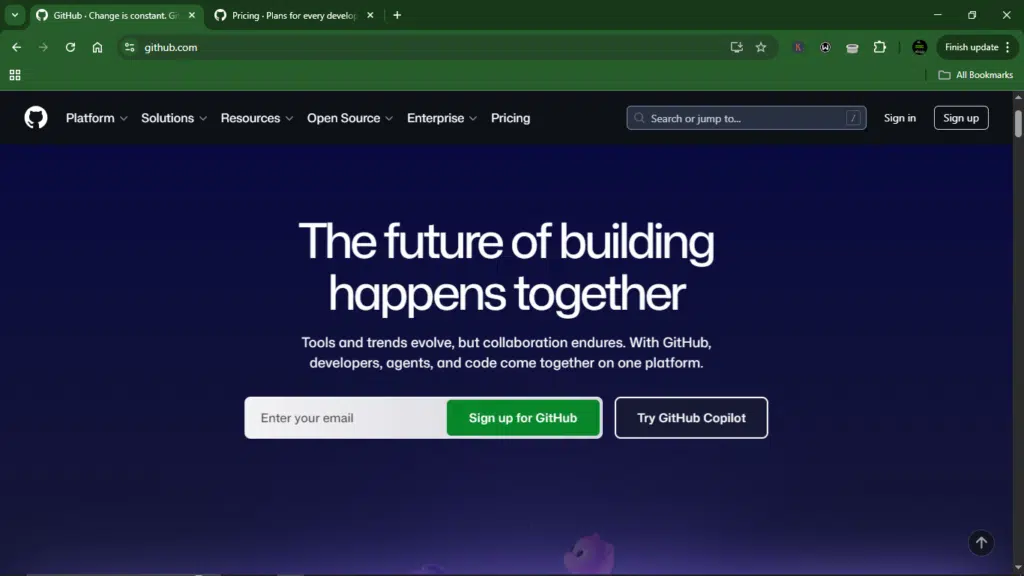
I don’t think I need to sell you on GitHub. If you’re a developer, you already know it. Most founders find the free tier useful because of how much it delivers now. Unlimited private repositories with up to three collaborators used to cost money, but it’s free today.
For a technical startup, GitHub is your deployment pipeline, code review system, and team collaboration layer rolled into one.
Core functionality
- 2,000 CI/CD minutes per month on GitHub Actions, enough for most early-stage teams to test and deploy continuously.
- Copilot integration (paid add-on) that writes up to 40% of repetitive code.
- Dependabot automatically flags security vulnerabilities in your dependencies.
- Issue tracking, project boards, and wiki pages.
Pros:
- 100M+ developers means your new hire already knows the workflow, which means zero training time.
- Native mobile app for code reviews and merge approvals on the go.
- Marketplace with thousands of CI/CD, security, and monitoring integrations.
Cons:
- Copilot costs $10-39/user/month extra (not included in any plan).
- Large monorepos (10GB+) can feel slow on the free tier.
4. Finance and spend management — Ramp
Starting pricing: $15/month/user.
Free tier: Available.
Ramp’s core platform is generally free.
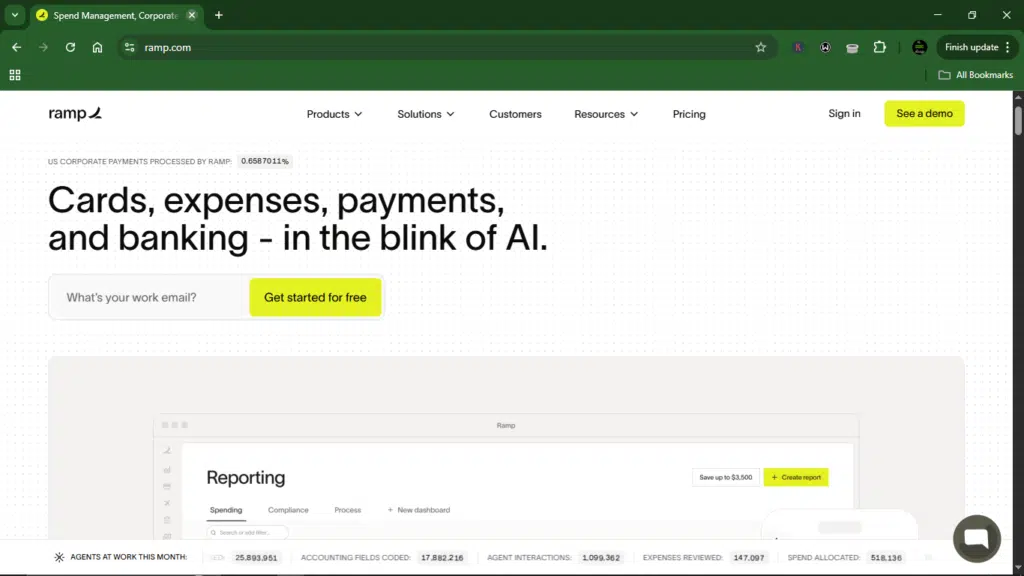
Ramp is generally free because Visa pays them, not because they’re losing money on you. That’s the model. You get corporate cards, spend tracking, and vendor management at zero cost.
Funded startups can save up to 3-5% on monthly operating expenses just from Ramp’s automation, catching duplicate subscriptions and unused licenses. The catch is that you need a US entity to sign up.
How it works for you
- Issue unlimited virtual and physical cards with per-transaction spending limits.
- Automated receipt matching via SMS, email, or mobile photo. Ramp claims that up to 95% of receipts are auto-matched.
- Vendor insights flag overcharges, unused seats, and price hikes before you pay them
- Accounting integrations (QuickBooks, Xero, NetSuite) that code every transaction automatically.
Pros
- Core Ramp features are free.
- Cashback on every purchase (1.5% on most categories, higher for select vendors).
- Real-time spend alerts are sent to Slack or email the moment a card is swiped.
Cons
- US entity required.
- Personal guarantee required for LLCs (C-corporations can waive with sufficient funding).
5. HR and people operations — Rippling
Starting price: Custom pricing (starts ~$8/user/mo + base fee)
Free tier: Unavailable.
Used by 50,000+ companies, including Reddit, Nubank, and Plaid.
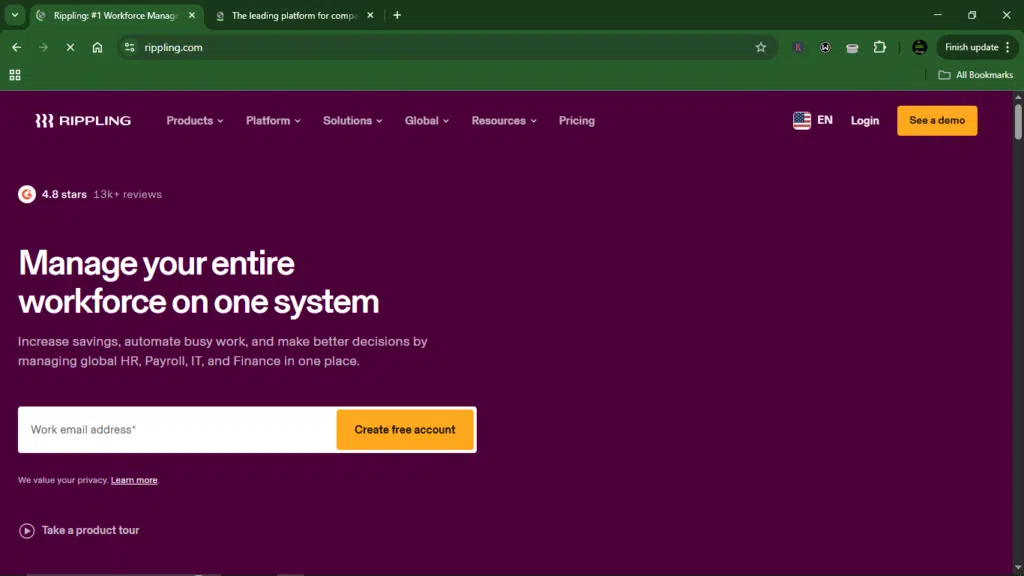
Most HR tools handle payroll, benefits, or IT access, but rarely all three. Rippling does everything from one dashboard.
Scaling teams can cut onboarding time from three days to twenty minutes because Rippling provisions Slack, email, and software access automatically when you add a new hire.
It’s maybe an overkill for a five-person team, but it’s critical for a 50-person startup with remote workers across countries.
Key features
- One-click onboarding that creates user accounts across 500+ apps (Google Workspace, Slack, Zoom, GitHub) the moment you enter a name.
- Global payroll covering 50+ countries with local compliance built in, avoiding separate legal reviews per market.
- Device management for company laptops (Mac, Windows). Remotely wipe or lock lost devices instantly.
- Modular pricing means you only pay for HR, IT, or payroll individually.
Pros
- A single employee record drives every system. Change an address once, and everything updates automatically.
- PTO tracking, benefits administration, and document signing are all native (no DocuSign needed).
- API-first design lets engineers build custom workflows on top of Rippling data.
Cons
- No free tier. You pay from day one, even for testing
- Setup takes weeks.
- Too much for small teams (under 15 people).
6. Communication and Collaboration — Slack
Starting price: $8.75/user/month (Pro plan)
Free tier: Available (90-day message history, 10 integrations)
Used by 750,000+ organizations globally.
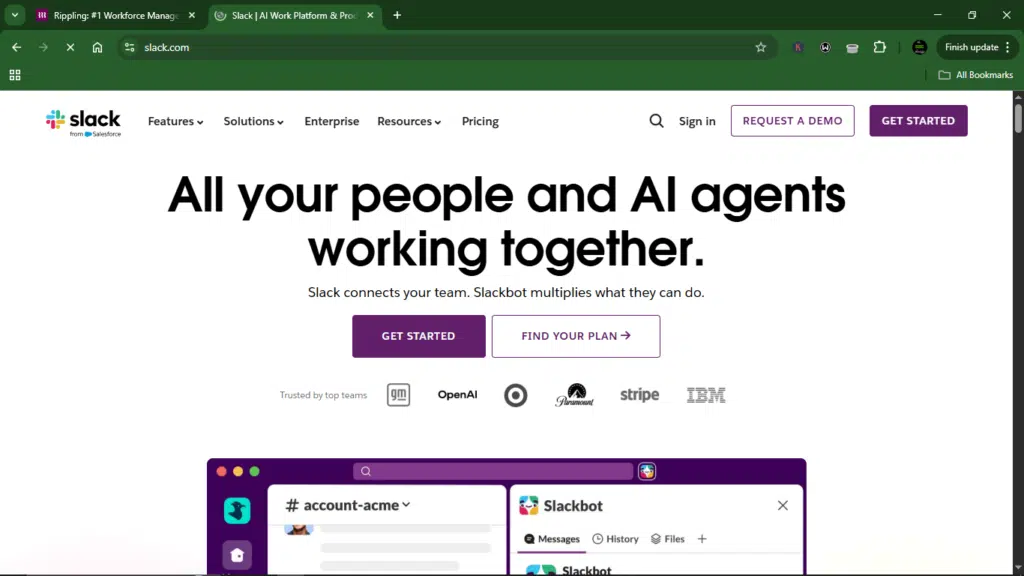
I’ve watched Slack turn chaotic email threads into organized, searchable conversations. The channel-based structure means you’re not constantly deciding who to copy on what; you just post in the right channel and move on.
What surprises most founders is how long you can stay on the free tier. For a small team of 5-10 people, those 90 days of message history are often enough to get through the early stages.
What Slack offers:
- Channel-based organization (public, private, and shared channels with external partners).
- 2,000+ app integrations, including Google Drive, Zoom, Jira, and GitHub.
- Huddles for quick audio conversations with screen sharing (1:1 on free, group on paid).
- Workflow Builder for no-code automations (Pro and above).
Pros
- Free tier supports unlimited users (only history and integrations are capped).
- Search works seamlessly. You can find a message from three years ago on paid plans.
- Slack Connect lets you collaborate with clients without making them join your workspace.
Cons
- Free tier deletes messages after 90 days (you can upgrade within one year to recover them).
- Per-seat pricing adds up fast. A 50-person team on Pro costs over $4,000 annually.
7. Analytics and product insights — Mixpanel
Starting price: Custom.
Free tier: Available (capped at 1 million monthly events).
Used by 1,300+ startup members via the Lakestar community.
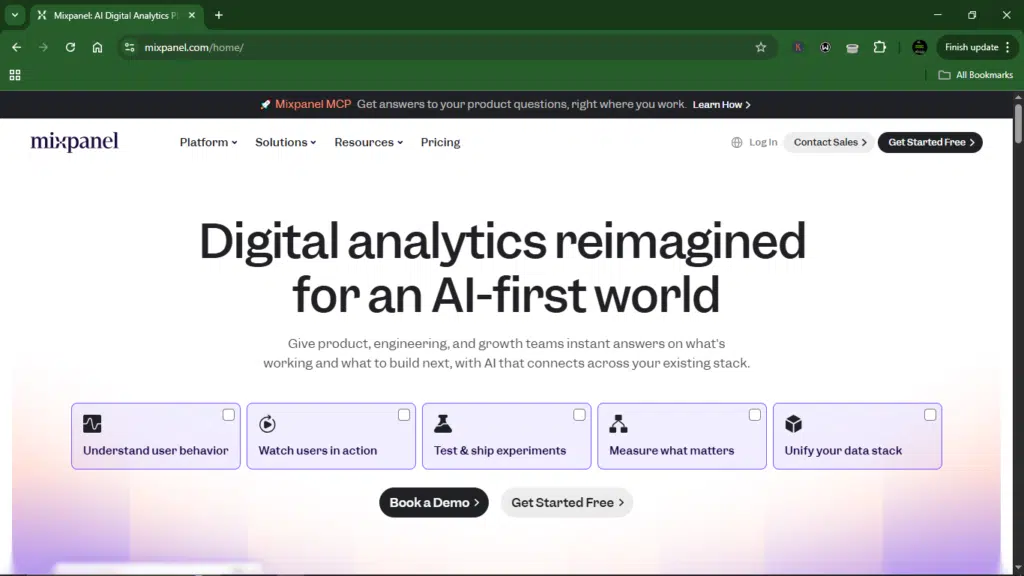
Mixpanel stops founders from guessing what users do inside their product. It tracks every click, screen view, and action, then shows you exactly where users drop off, what features they actually use, and who your power users are. The free tier is generous enough that most early-stage startups won’t pay a dollar in year one.
How the tool can help your business
- Funnel analysis shows exactly where users abandon onboarding.
- Cohort tracking groups users by signup date so you can measure retention over time, not just averages.
- A million free monthly events cover most early-stage products.
- Session replays let you watch real user interactions.
Pros
- Unlimited seats on all plans. Your whole team can access data without extra cost.
- Integrates with Slack, Segment, Amplitude, and most data warehouses.
- Spark AI features generate insights automatically (limited queries on the free tier).
Cons
- Pricing jumps significantly very quickly.
- Advanced features (data modeling, anomaly detection) require the Enterprise tier.
8. Customer support — Intercom
Starting price: $29/seat/month (Essential plan).
Free tier: Unavailable.
14-day free trial available.
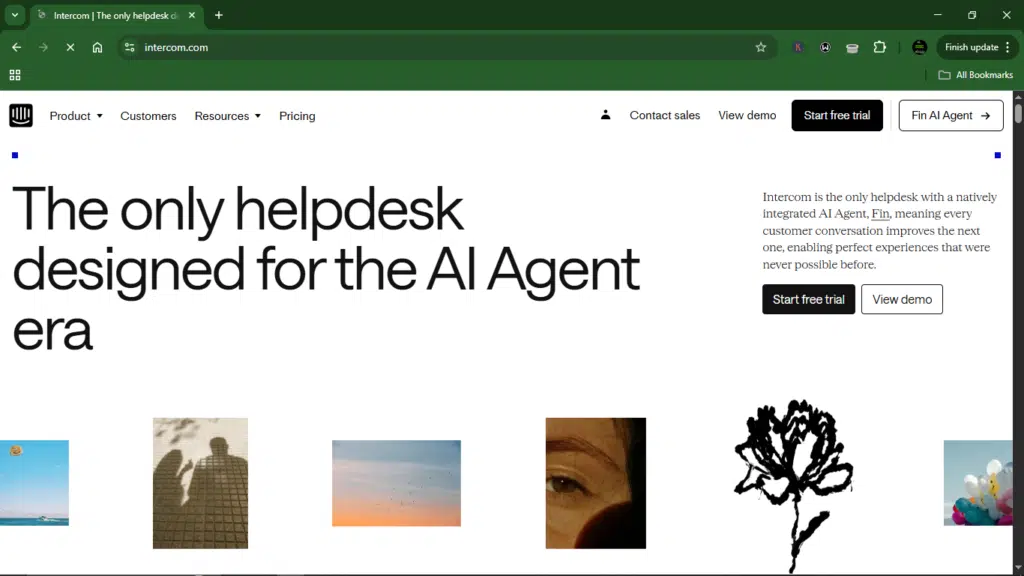
Intercom is expensive, and there’s no free tier. But for B2B startups where every customer conversation matters, the investment often pays for itself. Support teams can cut response times in half because Intercom puts customer data, conversation history, and company context all in one place.
What does Intercom offer?
- Live chat, help desk ticketing, and chatbots (Fin AI) all in one workspace.
- The customer data sidebar shows plan type, past tickets, and custom attributes during every conversation.
- In-app messaging and product tours for onboarding and feature announcements.
- Automated workflows that route conversations based on keywords, customer tier, or sentiment.
Pros
- Fin AI handles common questions automatically, while your team focuses on complex issues only.
- Integrates with Salesforce, HubSpot, Slack, and 200+ other tools.
- Mobile SDKs for in-app support without building your own messaging system.
Cons
- No free tier.
- Advanced features (e.g., Proactive Support Plus and Copilot) are paid add-ons, not included in base plans.
- Per-seat pricing plus resolution volume fees means costs can escalate faster than expected.
3 common mistakes I see founders make every time
- Over-stacking too early. You don’t need a separate tool for every micro-function. Consolidate.
- Choosing enterprise tools prematurely. You don’t need enterprise tools at the seed stage. Start small.
- Ignoring regional limitations. If you’re in Lagos or Nairobi, test whether a tool accepts your payment method before you build processes around it.
FAQs
What is the most important SaaS tool for startups?
There isn’t a single “most important” tool, but for most startups, it’s between productivity and communication.
Which SaaS tools have the best free tiers?
After reviewing dozens of options, these four free tiers deliver real value: Notion, Slack, GitHub, and HubSpot.
Are these tools accessible in Africa?
Most global SaaS tools, such as Notion, Slack, GitHub, Mixpanel, Intercom, and HubSpot, work across the continent.
When should startups start paying?
Pay when the free tier’s limits block growth, not when marketing emails tell you to upgrade.
Conclusion
The best tech stack is the one with the highest leverage per tool.
Don’t go installing 15 SaaS apps in your first month and end up with overlapping features, fragmented data, and a monthly bill that silently drains runway.
Instead, run a lean startup: run on a few relevant tools and pay almost nothing (until your growth demands it). This way, you move faster because your team isn’t constantly switching contexts.
Your goal is to solve today’s problems with today’s budget, while keeping the door open to scale later.
Citations
- https://tms-outsource.com/blog/posts/saas-statistics/
- https://blog.gantsystems.com/it-standardization-saves-you-money-and-makes-everything-work-better#:~:text=If%20your%20tech%20stack%20has%20grown%20without,better%20performance%2C%20fewer%20headaches%2C%20and%20real%20savings.
- https://zymplify.com/2025/05/15/#content
Disclaimer!
This publication, review, or article (“Content”) is based on our independent evaluation and is subjective, reflecting our opinions, which may differ from others’ perspectives or experiences. We do not guarantee the accuracy or completeness of the Content and disclaim responsibility for any errors or omissions it may contain.
The information provided is not investment advice and should not be treated as such, as products or services may change after publication. By engaging with our Content, you acknowledge its subjective nature and agree not to hold us liable for any losses or damages arising from your reliance on the information provided.
Always conduct your research and consult professionals where necessary.